Datavizor 101
The Command Layer for Masked Compute
The network went live on June 30, and last week’s issue covered what launched. This week: how to use it, because the fastest way to understand what we built is to run something on it. This is the Datavizor 101.
Free to start, and only an email to sign in. Log in now and click along with us.


OpenMatter is chairing the Decentralized AI Agent Alliance's Agentic Privacy & Security subgroup, meeting every other Wednesday at 12pm EDT. The next session is July 15, 2026 — please join us.
Datavizor 101
From Sign-In to First Launch
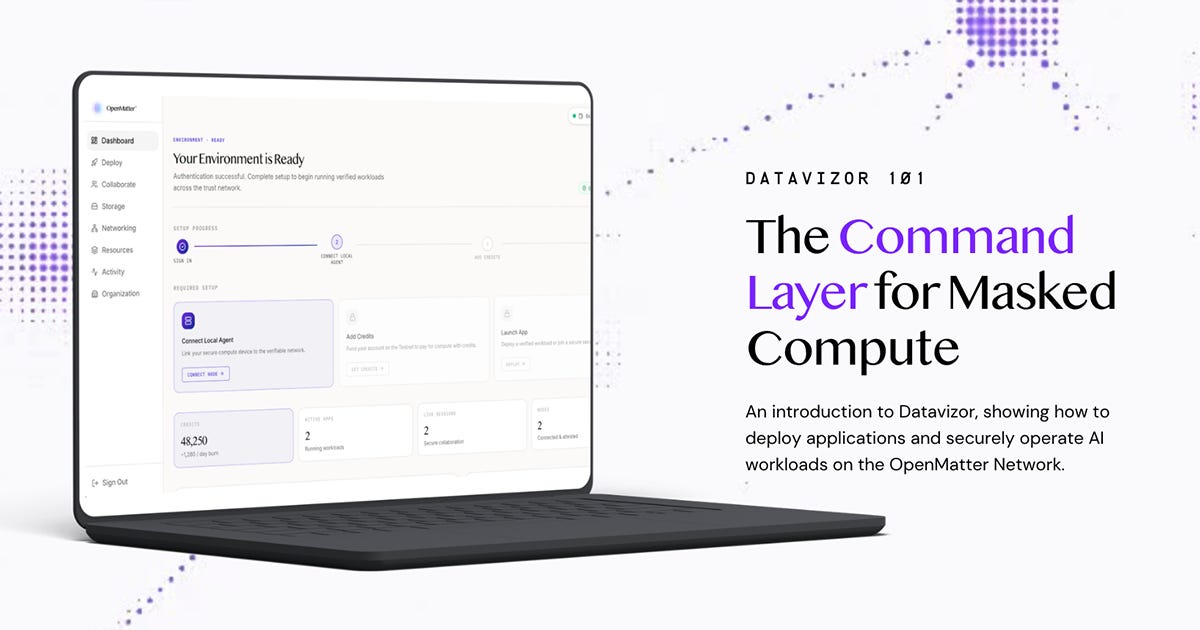
Every product we’ve shipped ends the same way: with a proof. Masked Compute returns a proof that a computation ran correctly without any single node seeing the whole input. QuantumGuard returns a proof that an agent’s action followed policy before it was allowed to happen. What recently launched on mainnet is the place where a person actually uses them, a dedicated space to deploy the workload, set the rules, and get the results back.
Datavizor is that place.
What It Is
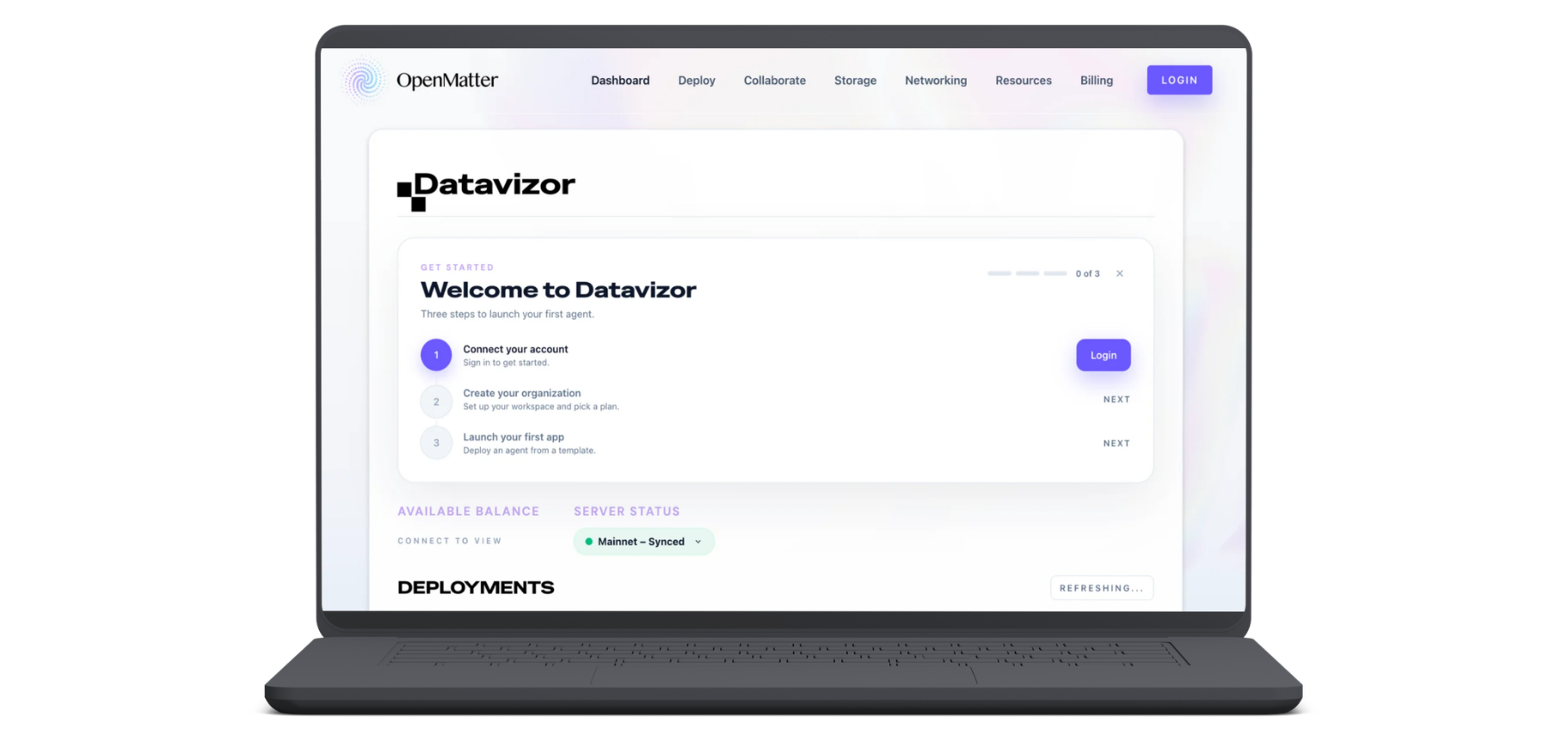
Datavizor is the console over the OpenMatter Network. Getting started takes a few steps: sign in with an email, create an organization, and launch your first app from a template or by custom inputs. If Masked Compute is diplomacy with sealed borders and QuantumGuard is the checkpoint, Datavizor is the situation room, where a cryptographic network turns into something a team can operate and monitor.
A Cloud Console, on Purpose
Sign in and you land on the dashboard: user authorization, compute credit allocation and plan usage, deployment monitoring and activity, and developer settings. You’ll need to allocate compute credits to your project before deploying, something accessible through the dashboard.
Every plan carries a monthly allotment of compute credits — fifty on the free tier — and the credits you allocate to a project become its deploy spend cap, enforced at execution. A deployment the budget can’t cover is refused by the network before it runs. Spending is governed the way agent actions are governed, by rules that hold at runtime rather than invoices that arrive later.
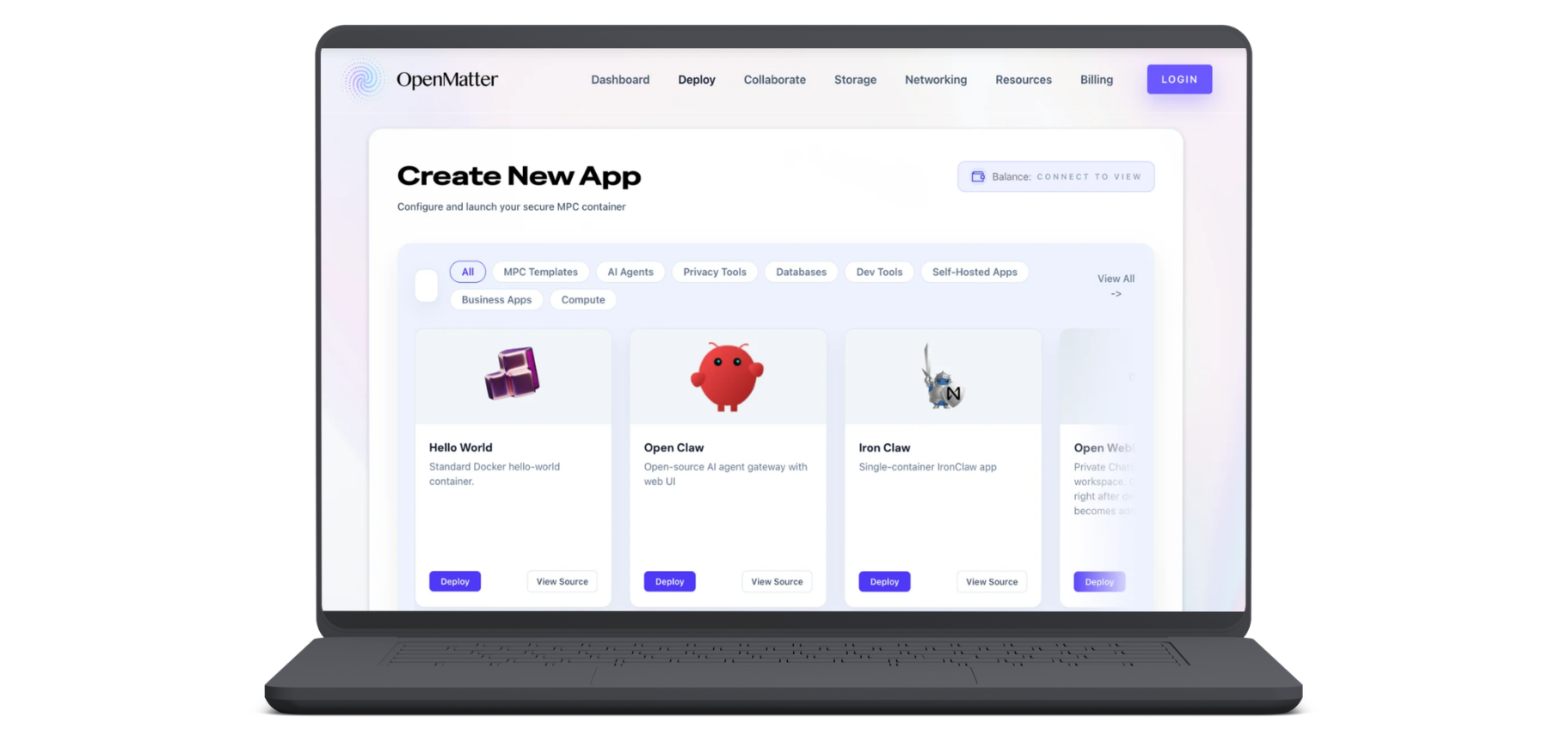
The Deploy page comes next, and it looks familiar by design. There’s a template gallery: agent gateways, LLM runtimes, workflow builders like n8n and Flowise, vector databases, Postgres, and plain Linux boxes you can SSH into. There’s also a job form for anything custom, with your own container image, startup command, CPU or GPU resource plan, ports, and storage. Pick a template or bring your own, choose a plan, and launch. Jobs are metered in compute credits by the hour.
The design is deliberately familiar. Running a workload here is not meant to feel like a cryptography project. The sharding, the proving, and the post-quantum key handling are never seen by users; the console’s job is to make them operable by anyone. The difference from the consoles you already know is in what happens after you click Launch App.
The Architecture Underneath
An ordinary console hands your container to a machine you agree to trust — the provider’s hardware, the provider’s word, all of it. At OpenMatter, the trust is narrower and named. Standard workloads run sandboxed on the network’s curated provider set. And the sensitive paths don’t run on trust at all; they run through the cryptography.
The clearest example is QuantumGuard. When an agent’s action crosses the firewall, the certificate that comes back shows the verdict, compliant or blocked, and nothing else. Not the prompt, not the credentials, not which tools were touched. We call this a zero-knowledge receipt: evidence that execution followed the rules, carrying no copy of what it executed on.
The same discipline runs throughout the console. Type an API key into the deploy form and it’s encrypted in your browser, by threshold re-encryption, before it’s submitted. Connect your own storage bucket and the credentials get the same treatment — split across independent nodes, never saved in the clear.
And the Collaborate tab carries the flagship use case: Secure Data Collaboration, where partners pool analysis over multi-party computation so a shared model runs across everyone’s inputs while each party’s raw data stays its own.
Seeing without Looking
Normally, to monitor a system, you grant the monitoring layer access to it. Dashboards read the logs, the logs contain the data, and this essential layer becomes one more place where sensitive information collects. The tool you use to watch for exposure is itself a kind of exposure.
Datavizor is built on the opposite premise: monitoring is assembled from proofs rather than granted through access. What ran, what was proven, and how agents behaved. And the system generates verdicts without the contents.
Every organization, free plan included, gets a monitoring view of its deployments and an audit log exportable to CSV.
Who It’s For
Agent developers can go from a template to running an agent gateway in one click, plus an SDK for wiring their own apps into the secrets system. Engineering teams get a deploy-and-monitor surface with the cryptography abstracted away. And compliance teams get the reason the whole thing exists.
The question we hear from regulated firms is whether they can prove to a regulator that the data never left their control. Logs answer that question with testimony. Our architecture answers it with math.
Where to Find It
Datavizor is live at datavizor.openmatter.network, and the starter plan is free. Sign in with an email, create an organization, allocate credits, and launch your first app from a template.
Visibility matters. Now it has a console.
— The OpenMatter Team
If you know someone who would benefit from reading this article, please share it:
OpenMatter is building the verifiable trust layer that enables AI agents to securely collaborate on sensitive data sets. If you’re in a regulated industry and need a better way to prove that your data is secure, contact our team to learn how masked compute can help.